
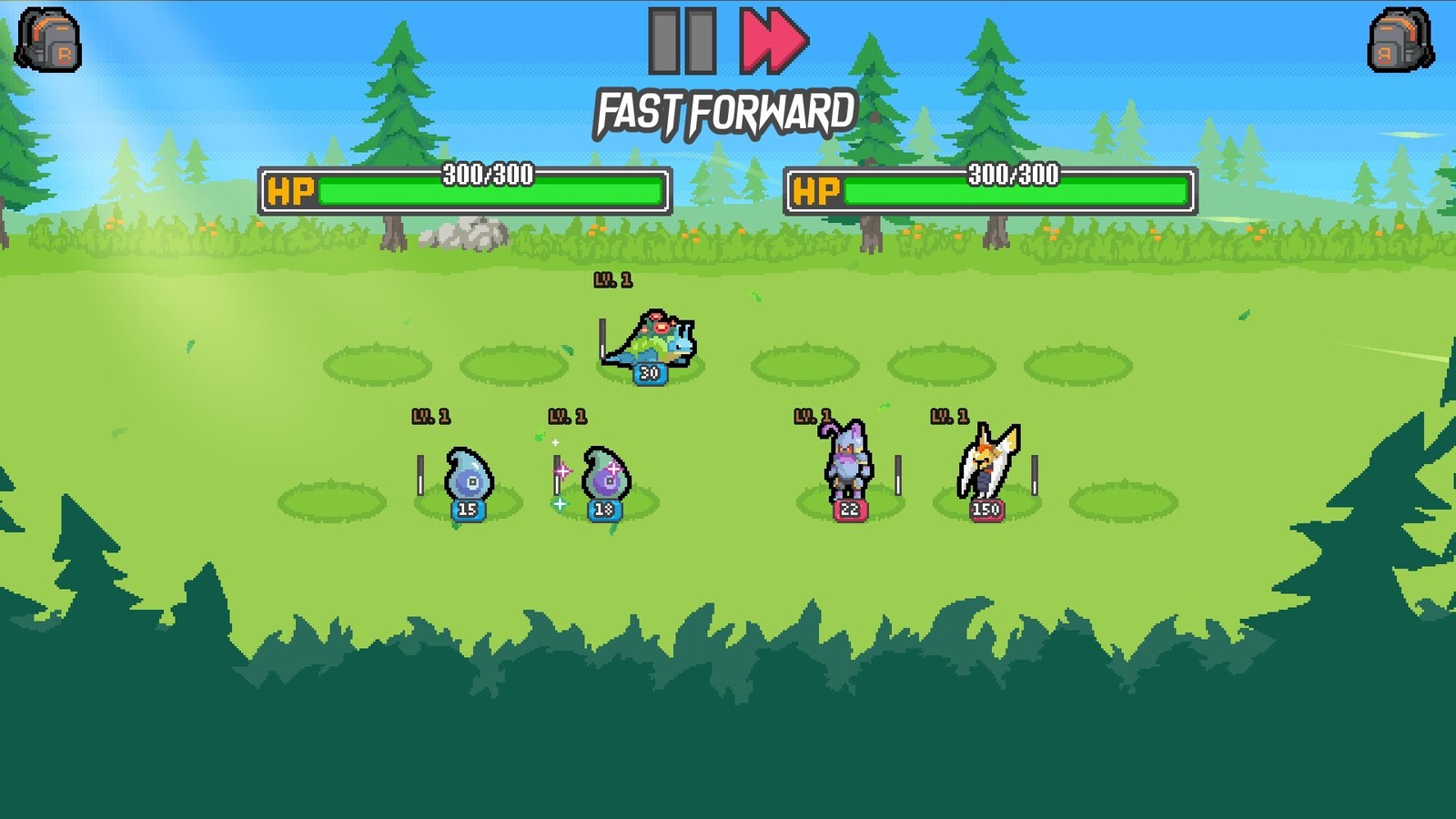
Batomon Showdown Steam Build: Requirements, Deck and Launch Issues
The Steam build is Windows only: Windows 10, dual core 2 GHz, 1 GB video memory, 512 MB storage. Deck compatibility reads Unknown, and launch-day issues were real.
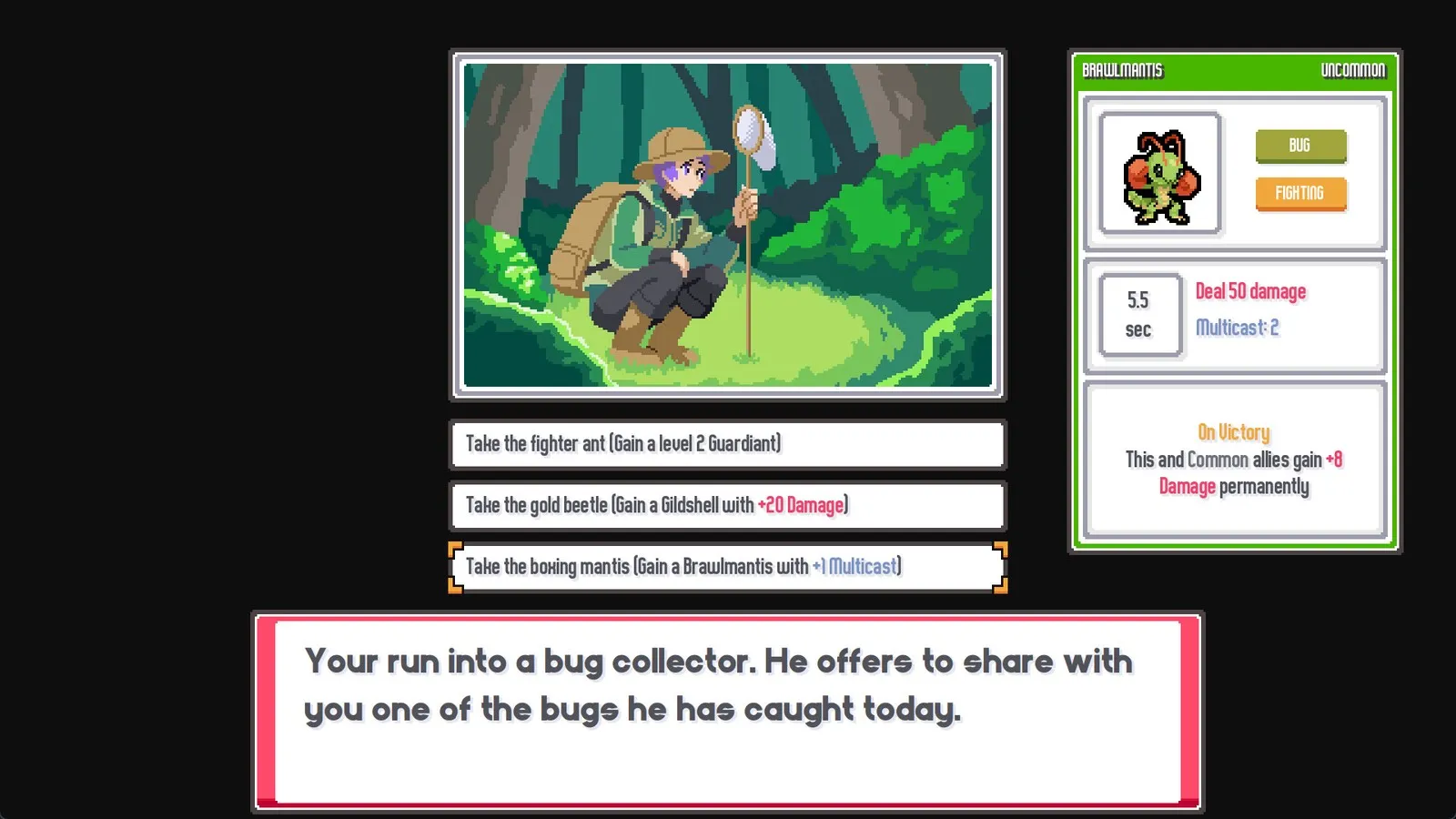
The Steam build of Batomon Showdown is Windows only. The published minimum is Windows 10, a dual core 2 GHz processor, 1 GB of video memory and 512 MB of storage.
The store page also lists full controller support and 11 interface and subtitle languages, while Steam Deck compatibility reads Unknown, meaning Valve has not rated it.
The single most important thing before buying: this is an online game. Every battle requests an opponent board from the server for your current day, so with no connection there is nothing to fight.
Minimum requirements and platform limits
| Item | Published requirement |
|---|---|
| Operating system | Windows 10 |
| Processor | Dual core 2 GHz |
| Video memory | 1 GB |
| Storage | 512 MB available space |
The memory row on the store page reads “2 MB”, which is a typo. The same block lists 512 MB of storage and 1 GB of video memory, and 2 MB of RAM will not run a modern game. Use the store page as the reference, but do not take that number seriously.
Desktop is Windows only. There is no macOS build and no Linux build. For mobile, see the platform status page.
Features, languages and controllers
Steam features listed are Online PvP and Family Sharing. Input support is full controller support, with Xbox controllers named on the store page.
Eleven languages are supported for interface and subtitles: English, Japanese, Simplified Chinese, Traditional Chinese, German, French, Italian, Spanish (Spain), Spanish (Latin America), Korean and Portuguese (Brazil). There is no full voice acting, so every listed language covers text only.
Where Steam Deck stands
The compatibility field reads Unknown. That is neither Verified nor Unsupported, just unrated.
A workaround circulates in the community: launch the game once in desktop mode, after which it runs normally from game mode. That comes from player store reviews rather than official documentation, so treat it as a starting point for troubleshooting.
If you mainly want to play handheld, check two things first: whether the screen makes stacked late-game effects readable, and whether touch or controller input feels comfortable during the shop phase.
What needing a connection means
When you press Battle, the game requests a saved board from the same numbered day. If nothing suitable turns up it widens the search, and eventually you may be given a bot board.
The shop phase has no timer, but battles need the connection. Failed searches generally retry on their own, and cancelling then searching again is often faster than waiting.
Server downtime happens too. The developer ran a scheduled maintenance before launch, on 9 September 2026 at 3:00 PM EST, expected to last two to three hours.
Launch day did produce connection trouble. Among the Steam reviews posted that day, a substantial share report no opponents being found or connection failures, and some report crashes on start; Chinese and Japanese reviews also describe having to edit a config file before the game would run properly. Those are first-day reports, so they say more about launch-hour server load and compatibility than about the game now.
Troubleshooting order
Start with the renderer. The most commonly reported startup failure in community notes is a GPU that cannot run the default renderer. In Steam, right-click the game, open Properties, and put --rendering-driver opengl3 into Launch Options. That comes from a community wiki rather than official documentation.
Next, check language and window settings. Some players report the game starting in English with no in-game language switch, requiring a config file edit, and display settings may behave the same way.
Then check the network. Server load is heavier during peak hours, and scheduled maintenance happens. Cancelling a failed search and retrying usually beats waiting it out.
Finally, check the build. If right-clicking a Batomon does not open the inspect sheet, you are not on 1.0.0. The release build should have Patch Notes and Run History in the menus.
Before you buy
Compare your machine against the four minimum requirements above. Confirm you are happy with an always-online game. If you are on a handheld, check how it feels to play before judging it by screenshots. Finally, check the price and discount the store is showing right now, since those move; see price and editions.
Related pages
- Platform status: mobile, console and saves: Android, iOS and the console situation.
- Download and install: install steps and what happened to the old demo.
- Patch history: the connection and performance fixes the developer has shipped.